
 Create a Student Account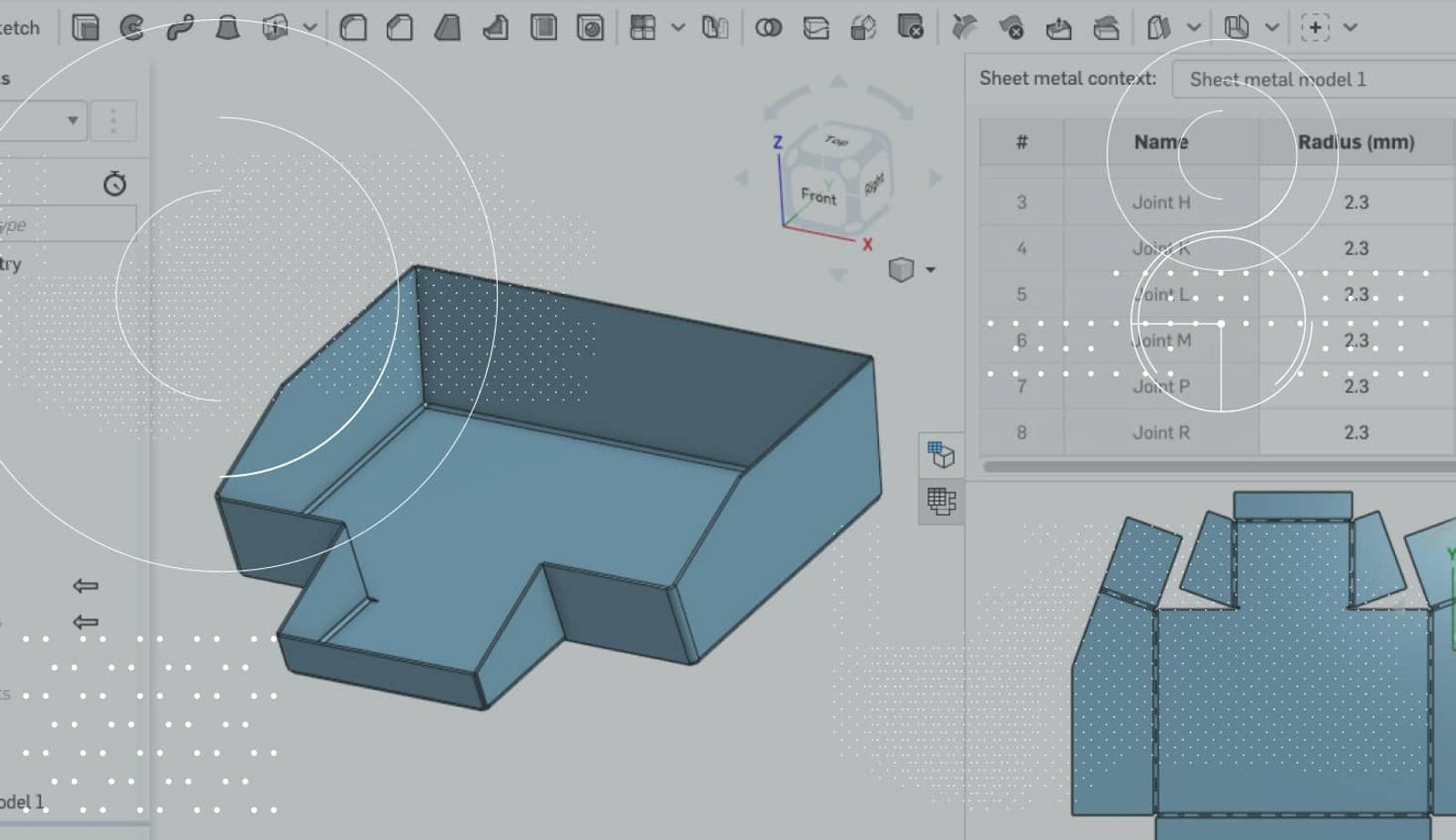
0:46
One highly requested feature that was recently added to Onshape is the ability to sketch in the Sheet Metal Flat View. This new feature allows you to create cuts in your sheet metal parts without the typical unfold/fold process that is required in older CAD systems. Let’s take a look.
Creating a sketch is simple. Simply right-click the Sheet Metal Flat View and you should see the option for “New sketch.”
After you’ve started your sketch, sketch the geometry for your cut as you normally would.
After your sketch is complete, click “Extrude” from the toolbar, and you can create your cut.
That’s it! Now you don’t need to manually unfold and fold the part, just sketch on the flat view!
One last thing to mention: When you create sketches on the flat view, you can even export those sketches with the DXF/DWG of the flat view.
Latest Content
- Blog
- Becoming an Expert
- Assemblies
Built to Scale: Why Large Assemblies Don’t Slow Down in Onshape
07.16.2026 learn more- Blog
- News from Onshape @ PTC
- Artificial Intelligence
Onshape Labs: AI in CAD Guided by Designers, Driven by Innovation
07.15.2026 learn more- Blog
- Evaluating Onshape
- Data Management
- Collaboration
- Artificial Intelligence
How the Most Underrated CAD Feature Improves Design Workflows
07.09.2026 learn more